


 Kategorienindex


AutoLISP > Automatische Generierung von Etiketten für Standort, Material, Artikelnummer, Durchmesser und Länge.
Automatische Generierung von Etiketten für Standort, Material, Artikelnummer, Durchmesser und Länge.
Artikelnummer, Raumname, Materialart und Rohrdurchmesser können einfach über ein Dialogfenster eingegeben werden.
admin - 21.05.2026 11:37
admin - 21.05.2026 11:37
aLd.Lsp
When the function is executed, the values for the Number of Decimal Places, Starting Item Number, Room Name, Material Type, and Pipe Diameter can be easily entered through a dialog window. The function automatically creates the used aLd.dcL file in the ...support folder. As we have explained a few times before, the user must have sufficient access permissions for the respective folders in order for the file to be created in the ...support folder. You can find the details of this topic at the link
Links sind ausgeblendet. Registrieren oder Einloggen
(This page is in Turkish) and the other links provided there.
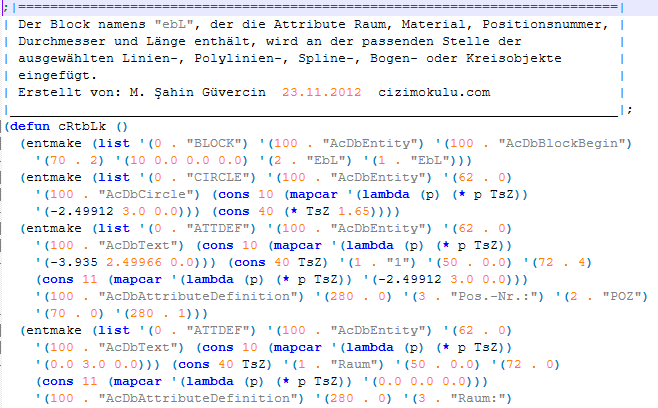
If the block named ebL does not exist in your open drawing file, the function creates this block for you. The created block serves as a sample and guide. You can make any changes you want to the ebL block using the Block Editor. You can change the positions and alignment styles of the attributes, as well as remove any attribute completely. The only condition is that at least one of the attributes must remain within the block. You can change the position of the item number attribute, replace the circle with a rectangle, or completely remove it.
If you wish to modify the ebL block created by the function as described above, you can run the function, exit by selecting Cancel from the dialog box that appears, and then use the block editor to make your desired changes to the ebL block. From then on, the function will run using the exact ebL block you have specified. To summarize briefly, the block and layout design specified by the user will be detected and used by the function.
The function processes Line, Polyline, Lwpolyline, Spline, Arc, and Circle objects, calculating and writing their lengths. As long as you continue to select from the listed object types, the process continues using the sequential item number, valid Room, Material, and diameter values. To change the Number of Decimal Places, Item Number, Room and Material information, as well as the Diameter value, the function is terminated and restarted; the process then continues after making the requested changes in the dialog window that opens at startup.
When the function is terminated, or even when the drawing file is saved, closed, and reopened, the function finds the highest item number used within the file and continues numbering from there.
A few points I would like to bring to our fellow authors' attention:
I wrote separate functions for Translation, Rotate, and Scale operations to demonstrate the use of the Transformation Matrix in detail. In fact, by creating a product matrix of the matrices written for all three operations, scale, rotate, and move actions can be performed all at once.
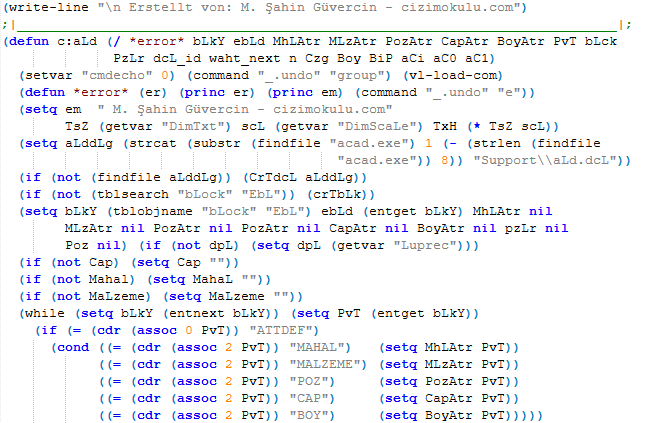
As I explained previously under another topic, a Line object is essentially an Arc with a Bulge value of zero. For this reason, the vlax-curve-getDistAtParam function could be used to calculate the length for all processed object types.
The first derivative of a function (or an object defined by a function, such as a curve) at a given point represents the slope of its tangent at that point. In other words, it is the Tangent Alpha value. The vlax-curve-getFirstDeriv function returns the tangent vector of the selected object, producing a list consisting of DeltaX, DeltaY, and DeltaZ.
Good luck to everyone...
Edit:
* Updated to select and process Ellipse objects as well.
* Updated to move the layers of the processed objects to the same layer as the "ebL" block.
Autor: cizimokulu.com
Beschreibung: AutoLISP-Funktion zum Erstellen eines Labels
Etikett:
Kommentare :
Noch kein Kommentar vorhanden